According to the National Association of Realtors, 97% of home buyers start their search online. If your business still treats its website like a business card, you’re already behind. Your site is your brand’s front door — and if it doesn’t open quickly or impress right away, your visitors bounce.
And yet, many real estate businesses still approach building a site with shaky budgets, fuzzy goals, or one-size-fits-all templates. What happens next? Delays. Scope creep. Missed targets. Then comes the “we need to rebuild this” meeting six months later.
We’ve built platforms for agents, brokers, and real estate tech startups all over the country. Whether it's a lean MVP or a full-blown MLS-integrated system, we’ve seen one recurring pain point: most teams don’t know what it really costs to create a real estate website that works for their market.
Once you understand what drives pricing — from features to tech stack to long-term support — it becomes a whole lot easier to plan smartly, stay on budget, and build something that doesn't just look good, but actually works.
In 2023, 61% of real estate pros said their website was their most effective digital marketing tool (NAR). That’s no surprise. Your website works 24/7, even when you’re off the clock. Still, too many agents and firms start projects without knowing how much to build a real estate website — or why the prices swing so much.
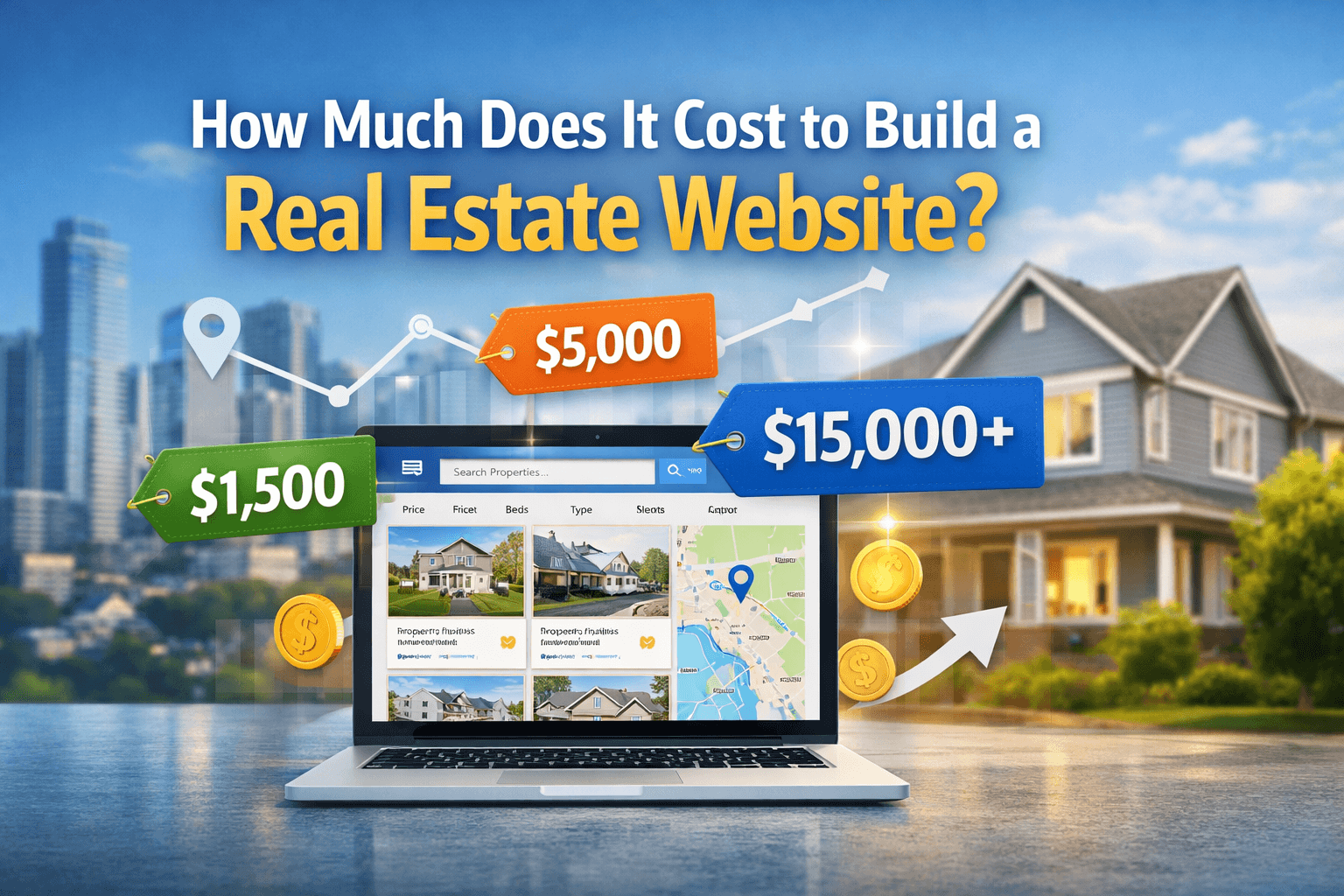
Here’s a quick cost breakdown:
| Type of Website | Estimated Cost | Best For |
| Basic Website | $1,500 – $5,000 | Solo agents or small teams who need a clean, simple web presence |
| Mid-Level Platform | $5,000 – $15,000 | Agencies or brokerages that want MLS, lead forms, and branded design |
| Fully Custom + App | $20,000 – $50,000+ | Startups or marketplaces that need apps, CRM, analytics, and more |
These estimates include core functionality, UI/UX, and development. Your actual cost depends on scope, third-party tools (like MLS/IDX), and whether you build from scratch or use existing software.
Quick tip: The sticker price isn’t the whole story. You’ll want room in the budget for things like SEO, mobile performance, security updates, and future upgrades. A cheap build now can cost you double when you have to replace it next year.
There’s no flat sticker price for real estate web development. It depends on what you're building, how you’re building it, and who’s behind the code. Let’s break it down:
If you’re just looking to create a real estate website with a few pages — bio, listings, contact — you’re on the low end of the cost scale. Want MLS/IDX integration, saved search, or user dashboards? That’s a whole different ball game. More features mean more development time, higher licensing costs, and bigger infrastructure.
If your platform pulls live data or offers interactive tools, you’ll need a bigger budget.
Templates save time and money. They’re also easy to spot — and easy for users to forget. A custom design aligned to your brand, audience, and sales goals gives you more control and sets you apart. It takes longer to build, but it’s usually worth it if you’re planning to grow.
And yes — custom sites often rank better on Google and convert more traffic. That’s no coincidence.
Modern tools like React for frontend and Laravel or Node.js for backend help you scale faster and keep performance sharp. Some teams use headless CMS setups to split content from layout. It’s a solid move if you want flexibility.
But high-performance tools come with a catch: they require skilled developers. That means higher hourly rates.
Freelancers can be budget-friendly. But you may hit limits with bandwidth, quality control, or support. Agencies give you full teams — designers, devs, PMs — and structured processes. That usually means smoother builds and fewer surprises.
Running an in-house team? That only makes sense if you’re building a platform long-term and have a constant backlog.
Your choice here affects cost, speed, and post-launch support.
Want to sync with MLS? Accept payments? Connect HubSpot or Zoho? That’s doable — but every extra adds work upfront and often comes with monthly fees. These integrations are the glue between your website and your sales pipeline, so skipping them usually isn’t an option.
Ready for real clarity? Request a free project scoping sheet. Get a detailed breakdown based on your actual goals — no guessing, no generic pricing.
If you're serious about using your website to grow leads, close deals, and look credible, you can't afford to skip the essentials. Below are the building blocks you’ll need to create a real estate website that works hard, not just looks good. We’ve broken them down by function, value, and cost — so you know exactly what you’re signing up for.
Insider Tip: We've built platforms with advanced search tools, multilingual content, and compliance for regional rules. You don’t have to start from scratch — we’ve already solved problems you haven’t run into yet. That means fewer headaches, smarter tech choices, and fewer surprises during the build.
There’s no one-size-fits-all answer to how much it costs to build a real estate website. The price tag swings wildly depending on how you build it — and who builds it. Below is a breakdown of three popular development paths, including what they cost, who they work for, and what trade-offs to expect.
What’s good:
What’s not:
Is this you?
If you're a solo agent or small team who just needs a digital business card, go for it. But if you’re planning to build a real estate website with MLS listings, saved searches, or custom workflows — this isn’t your lane.
Estimated Cost: $8,000 – $50,000+ (based on features, scope, and tech stack)
Best for:
Brokerages, startups, or growing teams looking to create a real estate website that can scale with traffic, users, and integrations.
Why it pays off:
Is this you?
If your website is your business — not just a flyer — then this is your move. It’s a bigger check upfront, but you get speed, control, and a solid tech foundation that won’t crumble later.
Pros:
Cons:
Is this you?
You’re a mid-sized agency that wants plug-and-play ease, isn’t fussy about deep customization, and just needs a functional site with predictable costs.
SaaS platforms are like renting. You get a ready-made apartment, but you can’t knock down walls or change the layout. We build sites you actually own — so when your business grows, your tech keeps up. No leases. No lock-ins.
Building your real estate website is only half the battle. The real cost? Keeping it alive, secure, and actually working for you. Below are the often-overlooked expenses that quietly pile up once your site goes live.
Estimated Cost: $25 – $200/month
Fast loading speeds? Non-negotiable. Site go down during peak hours? That's lost leads. You’ll need reliable hosting, SSL certificates, backups, and threat protection to keep things running smooth and safe.
Tip: Cheap hosting is like buying a lock for your door that you know doesn’t work. Don’t do it.
Estimated Cost: $10 – $500/month
Love that map search? So do your users — but Google Maps doesn’t give away bandwidth for free. Same goes for IDX providers. The more traffic and data you serve, the higher your bill climbs.
Estimated Cost: $300 – $2,000/month
You can’t just create a real estate website and hope it shows up on Google. You’ll need ongoing SEO, content updates, schema markup, and maybe a blog to pull in organic traffic.
The fix: Either hire in-house help or get agency support — but don’t wing it.
Estimated Cost: $100 – $1,000/month
Bugs don’t fix themselves. And outdated plugins? Those are hacker bait. From CMS upgrades to performance tuning, you’ll need someone on call to keep your site healthy.
Think of it like car maintenance: skip too many oil changes and you’ll be stuck on the side of the road.
Estimated Cost: $500 – $5,000+ (one-time or recurring)
GDPR. ADA. Cookie consent. Accessibility. Sounds fun? Probably not. But if your site collects data, tracks visitors, or serves users in multiple regions — these are non-negotiable.
Skip it and you’re gambling with lawsuits or getting booted from search results.
Pro Tip: Budgeting for these costs now saves you from financial surprises later. Want your site to rank, convert, and keep running like a well-oiled machine? Don’t treat these as “extras.” They’re the cost of staying in the game.
A 2024 NAR report found that 9 out of 10 home buyers start their journey online. If your real estate website doesn’t make a strong first impression, someone else’s will. But here’s the catch—there’s a massive difference between simply having a website and building one that drives leads, saves time, and grows with your business.
Let’s break it down:
| Feature | Basic ($1.5K–$5K) | Advanced ($5K–$15K) | Custom ($20K–$50K+) |
| IDX/MLS Integration | ❌ | ✅ | ✅ |
| CRM Integration | ❌ | Partial | ✅ |
| Mobile App | ❌ | ❌ | ✅ |
| Admin Panel | Basic | Standard | Custom-built |
| SEO Optimization | Minimal | Moderate | Technical + Strategic |
| Custom Design | Template-Based | Semi-Custom | Fully Custom |
| Scalability | Low | Medium | High |
So, what’s the right move for you?
If you're just dipping your toes in, a basic site may help you get online quickly. But expect limitations in speed, SEO, and functionality. An advanced build opens more doors—like CRM sync and better design—but you’ll still be working within some boundaries.
A custom platform? That’s a different ballgame. You’re not just getting a website. You’re building a digital foundation for your business. You’ll get smoother workflows, stronger performance, and more control over your lead gen engine.
Our take? The best solution depends on where you’re headed, not just what you can spend today. We’ve helped clients at every stage build real estate websites that don’t just look good—they work hard.
A Texas-based brokerage reached out, frustrated. Their old WordPress site wasn’t cutting it anymore. No mobile optimization. No real property filters. And their listings weren’t syncing with the MLS. Leads were leaking like a sieve—most ending up on national sites like Zillow.
We started from scratch. Ten weeks later, they had a responsive web app with IDX integration, agent-ready CRM tools, and an interactive map-based property search that didn’t make users squint or bounce.
The final bill? $28,000.
The result?
It didn’t just look better—it worked harder. Saved hours in listing management. Made it easier for agents to follow up. And finally gave their local brand the digital firepower to compete with the big names.
If you're wondering how to build a real estate website that actually pays you back, this is it: build the right features, launch fast, and focus on outcomes.
Spending big too early? That’s one of the fastest ways to drain your wallet—and your patience. We’ve helped real estate teams sidestep this exact mistake by focusing on what actually moves the needle at each phase of the build.
You don’t need every bell and whistle on day one. Launch with just the features your users actually care about. Go live fast, gather feedback, and skip the cost of “nice-to-haves” that don’t convert.
Cheap tools might look good at first—but they hit the ceiling fast. Choose a foundation that lets you grow without ripping everything out later.
Login systems. Search filters. Lead forms. Reinventing these eats time and money. Stick with tested frameworks and components. That way, you speed up development and avoid buggy builds.
Build your core site first. Then, as traffic grows, add CRM tools, chat, or a mobile app. You’ll stretch your budget further—and match upgrades to real user demand.
Before adding more complexity, hand your MVP to actual users. Their feedback will highlight what’s working and what needs fixing—saving you from expensive rewrites later on.
Quick Tip: The smartest platforms we’ve built didn’t try to do everything on day one. They just did the right things—at the right time. If you’re ready to create a real estate website that grows with you, let’s map it out together.
So, How Much Does It Cost to Build a Real Estate Website?
Short answer: it depends. You could create a real estate website for $1,500—or drop $50,000+ if you're building out a full-featured platform. The gap comes down to what you need today, and what you want your site to handle tomorrow.
Want MLS syncing? Built-in lead tracking? Map-based property search? Each adds functionality—and price. What matters is choosing features that make sense for your business, not because they look cool or showed up in a competitor’s pitch deck.
Here’s what we’ve seen work best: start with clear goals. Decide who you're building for and what outcomes matter. That clarity sets the tone for every smart decision you’ll make after—from tech stack to integrations to how much to build a real estate website that pays off long term.